In today’s fast-paced digital world, both businesses and people are always looking for ways to make things run more smoothly and get more done. AI workflow automation tools have changed the game by letting users automate repetitive tasks, connect different apps, and use AI to make better decisions. Recent reports from the industry say that businesses that use AI workflows can save up to 15–20 hours a week on manual tasks. This lets teams focus on more important tasks like strategy and innovation.
Table of Contents
These AI tools for customer service and other things make it easy to automate and integrate tasks like answering customer service questions, improving sales pipelines, or analyzing data. In this complete guide, we’ll look at the top 10 AI workflow automation tools for 2025 and talk about their features, benefits, and how they can be used in the real world. We’ll also talk about how AI workflows can change the way you work, give you a quick comparison to help you make a decision, and answer common questions to help you find the best one.
What Is AI Workflow Automation?
AI workflow automation is the use of AI to plan, carry out, and improve sequences of tasks across different systems and applications. AI workflows use machine learning, natural language processing, and adaptive algorithms to deal with changing situations, unlike traditional automation, which relies on strict rules. For example, these tools can link your CRM to email services so that leads are automatically ranked based on how they act.
The need for scalability in remote and hybrid work settings has led to the growth of AI workflow automation tools. Experts predict that by 2025, more than 70% of businesses will use AI-driven workflows to boost productivity. This will be possible thanks to improvements in no-code platforms and agentic AI.
Benefits of Using AI Workflow Automation Tools
Implementing AI workflows offers numerous advantages:
- Time Savings: Automate mundane tasks like data entry or email sorting, freeing up hours for strategic work.
- Increased Accuracy: AI reduces human error in processes such as lead scoring or report generation.
- Scalability: Handle growing volumes of data and tasks without proportional increases in staff.
- Cost Efficiency: Lower operational costs by minimizing manual labor—studies show businesses can cut expenses by 20-30% through automation.
- Enhanced Collaboration: Integrate tools for customer service, marketing, and operations to foster seamless team workflows.
These benefits make AI tools essential for boosting productivity in 2025.
The 10 Best AI Workflow Automation Tools in 2025
Based on in-depth research from credible sources like Zapier, Cybernews, and Shakudo, here are the top 10 AI workflow automation tools. Each is evaluated for features, ease of use, integrations, and suitability for different users.
1. n8n
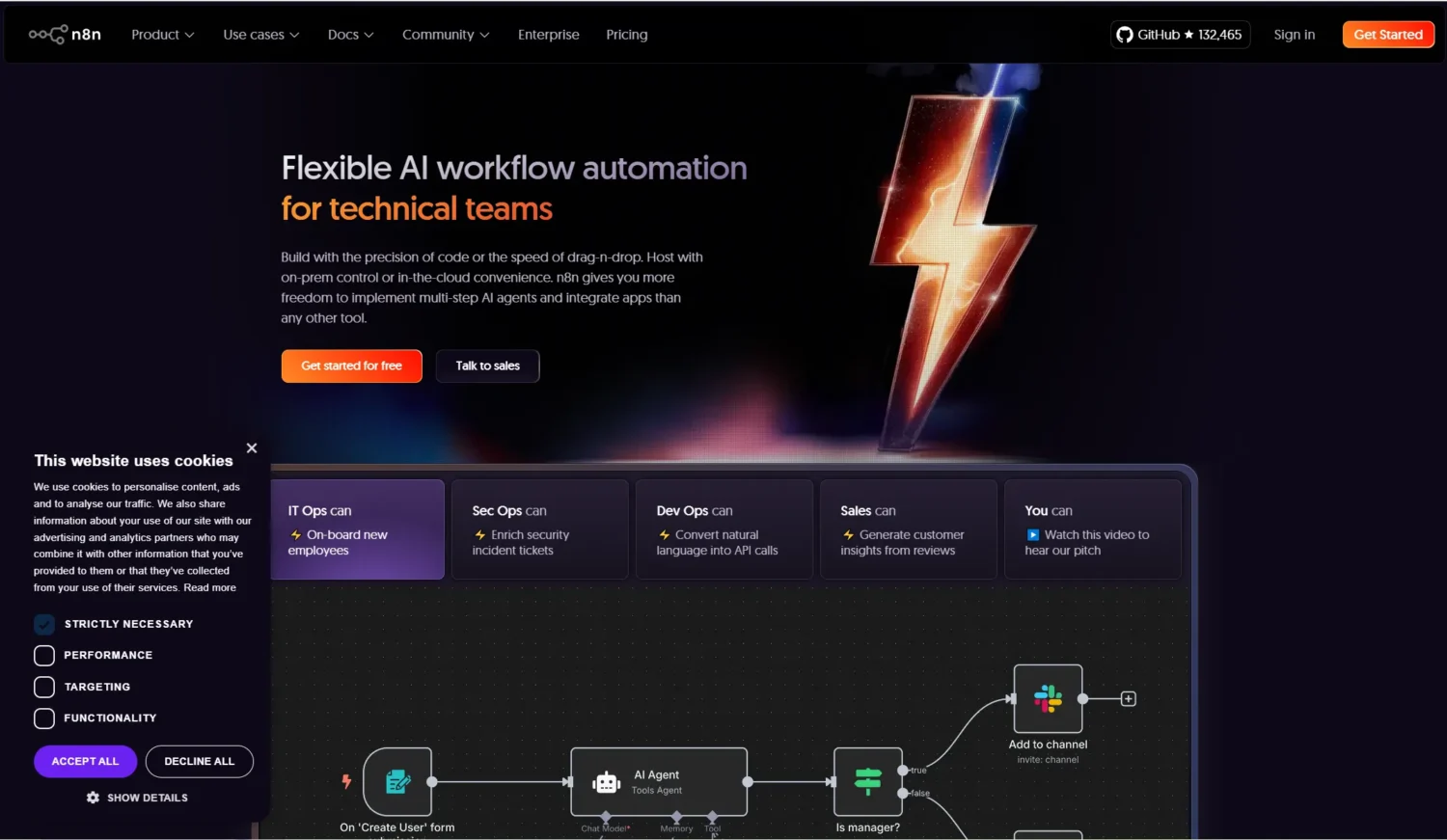
n8n is an open-source workflow automation tool that’s highly customizable and user-friendly, making it ideal for technical teams. It allows you to build complex AI workflows with a drag-and-drop interface, supporting over 400 integrations including OpenAI for AI-native tasks.
Features: n8n is packed with goodies. You can self-host it to keep your data super secure, which is a big win for control freaks like me. It supports custom code in JavaScript or Python, so you can get as nerdy as you want. Plus, there’s a vibrant community sharing ready-made workflows, and with 400+ integrations, you can hook up almost anything to make your AI dreams come true.
Pros:The best part? The core version is totally free, so you can dive in without spending a dime. It’s crazy extensible, especially for machine learning tasks, and there are no sneaky charges for premium apps. Whether you’re automating small tasks or building epic workflows, n8n’s flexibility is a game-changer for tech lovers.
Cons: Okay, let’s keep it real—n8n isn’t always a walk in the park. If you’re new to automation, the learning curve can feel like climbing a tech mountain. While the cloud plans start at $20/month, you can dodge that by self-hosting, but setting it up might test your patience if you’re not super techy.
Use cases: n8n shines when it comes to automating IT operations. Think streamlining employee onboarding by syncing HR tools or keeping your CRM and email in perfect harmony. It’s a beast for advanced automations, whether you’re connecting data pipelines or building AI-driven workflows. If you love creating custom solutions, n8n’s your new best friend.
2. Zapier
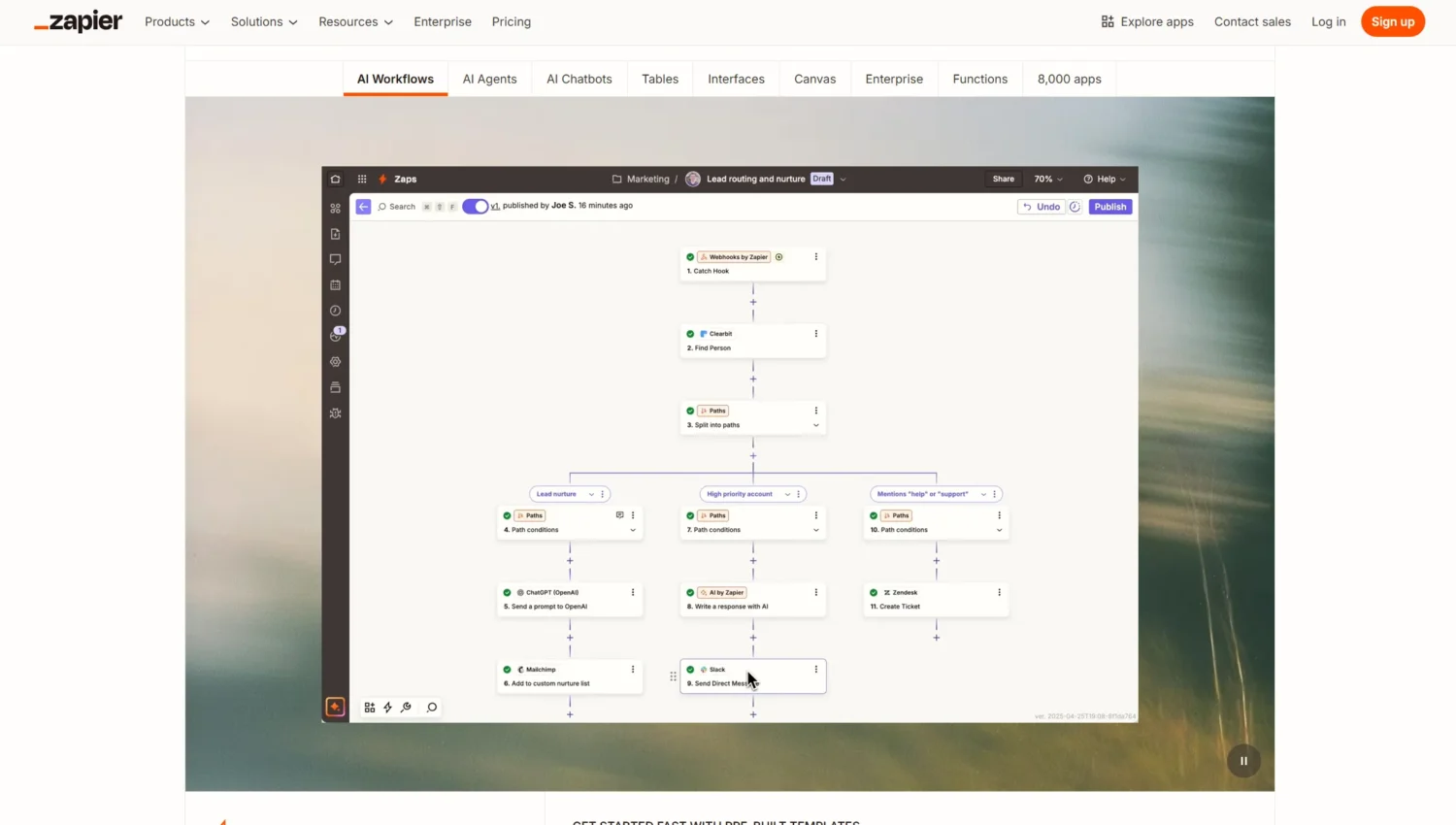
Zapier remains a staple in AI workflow automation, connecting over 7,000 apps with AI-powered suggestions for setup. It’s perfect for non-technical users looking to create simple ai workflows without coding.
Features: Zapier’s loaded with cool tricks. You can create multi-step Zaps that chain actions like a boss, integrate AI tools like ChatGPT for smart automation, and even dip your toes in with a free tier for basic tasks. Its visual builder is super intuitive, letting you drag and drop to connect apps, add filters, or schedule triggers without breaking a sweat.
Pros: The app ecosystem is massive—7,000+ integrations mean you’re never short on options. The user interface is so easy, it feels like cheating. Even if you’re not a tech wizard, you’ll be automating like a pro in minutes. Plus, the free tier lets you test the waters without opening your wallet.
Cons: Here’s the real talk: Zapier can hit your wallet hard if you’re running high-volume tasks. The free plan’s limited, and the Professional plan at $29.99/month can add up fast if your workflows get complex. Also, super intricate automations might need some extra tinkering to get just right.
Use cases: Zapier’s a lifesaver for automating repetitive stuff. Imagine turning Google Form responses into AI-generated summaries or firing off Slack updates for customer service queries. It’s perfect for businesses looking to sync CRMs, automate email follow-ups, or streamline marketing campaigns across platforms, saving you time to focus on the big picture.
3. Make (formerly Integromat)
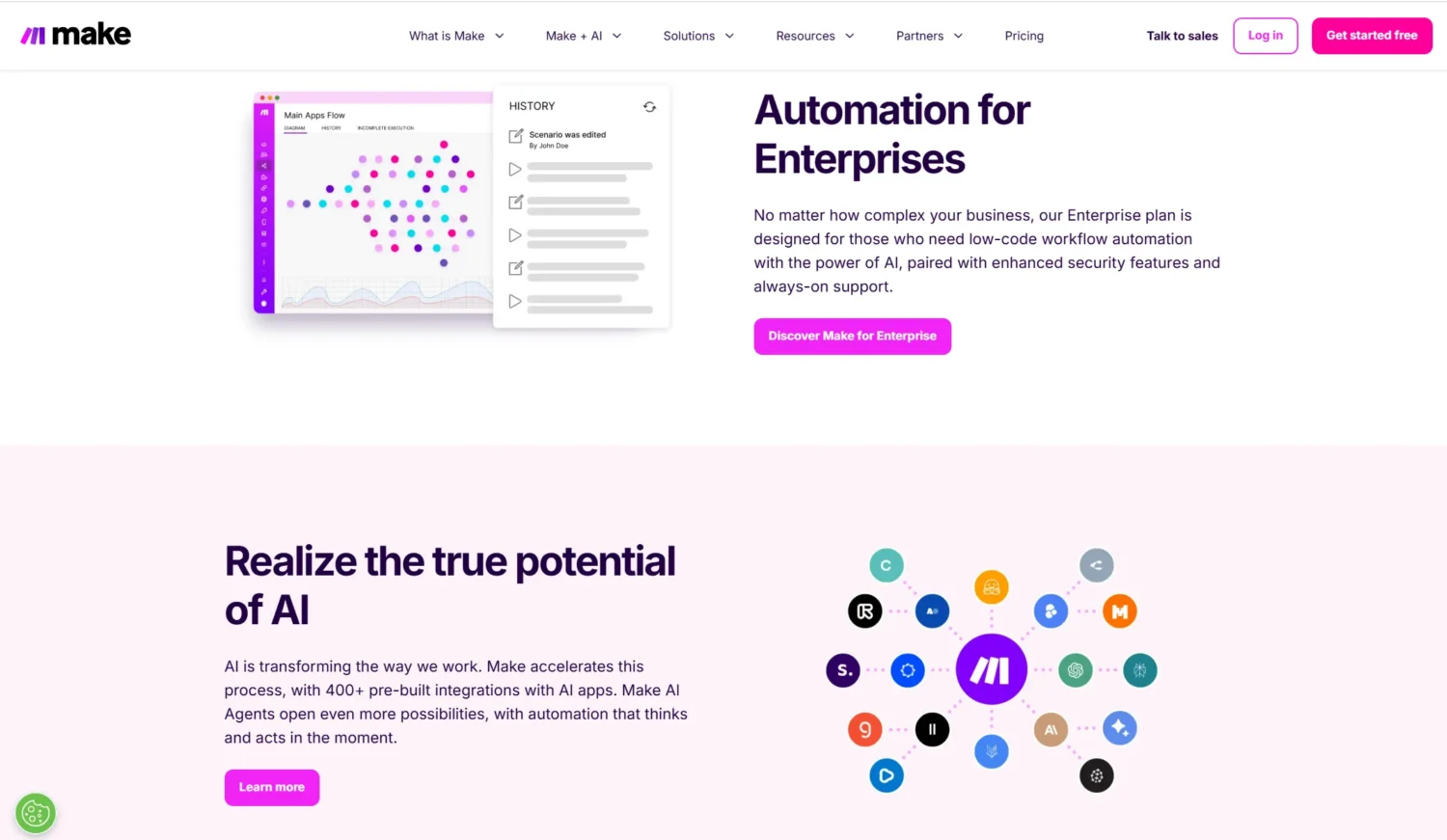
Make AI is like the ultimate canvas for painting complex workflows with a visual twist. With over 2,000 integrations and AI modules like OpenAI, it’s a beast for crafting dynamic, multi-step processes. Perfect for tech-savvy folks who love control and want to make their workflows sing, Make’s all about turning your automation ideas into reality without the usual hassle.
Features: Make’s got a slick drag-and-drop scenario builder that lets you map out workflows like a pro. It’s packed with robust error handling to keep things smooth and real-time execution so you see results instantly. Plus, with AI integrations like OpenAI, you can add smart, dynamic steps to your processes, making your workflows as clever as they are efficient.
Pros: This tool shines for multi-step, intricate tasks—think big, think bold. Its operations-based pricing is super cost-effective, so you only pay for what you use. The flexibility to customize every nook and cranny of your workflow makes it a favorite for those who love to tinker and optimize.
Cons: Let’s be honest: Make can feel like jumping into the deep end for total newbies. The interface, while powerful, might overwhelm if you’re just starting out. The free tier gives you 1,000 operations/month, but paid plans kick in at $10.59/month, which could creep up if your workflows get heavy.
Use cases: Make is your go-to for streamlining complex tasks. Picture routing marketing form submissions to different channels like email or Slack, or transforming data in sales pipelines to keep your CRM humming. It’s a dream for anyone who wants total control over designing workflows, from marketing automation to data crunching, with a side of AI flair.
4. Lindy.ai
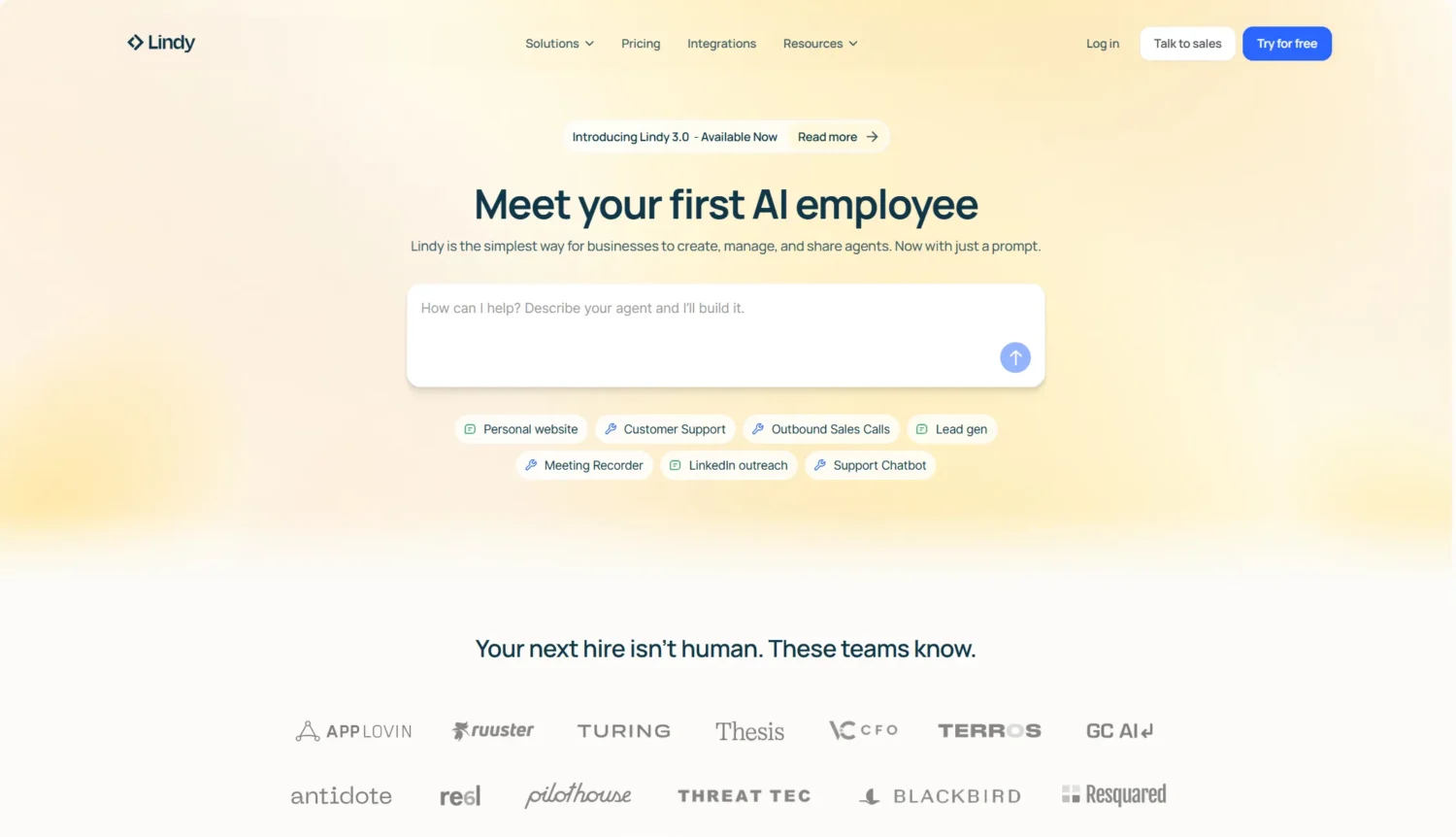
Lindy’s like your personal AI assistant factory, letting you whip up custom agents (called Lindies) to tackle tasks like a champ. With over 50 integrations, it’s built for folks who want AI to handle stuff like emails or customer support without getting lost in techy details. It’s AI-first, super intuitive, and perfect for anyone looking to add some smart automation to their day.
Features: Lindy’s no-code canvas makes building workflows feel like a breeze—you just drag, drop, and create. It’s got AI triggers that kick off actions based on smart cues, plus over 100 templates to get you started fast. Whether you’re automating simple tasks or complex processes, Lindy’s got the tools to make it happen with minimal fuss.
Pros: This platform is a dream for non-techies and pros alike—its intuitive design means you’re up and running in no time. Being AI-native, it leans hard into smart automation, making your workflows feel almost magical. The templates are a huge time-saver, and the human-in-the-loop approach keeps things reliable.
Cons: Here’s the catch: Lindy’s not the cheapest kid on the block. Paid plans start at $49/month, which might sting for small teams or solo users. The free tier caps you at 400 tasks, which is decent but can run out quick if you’re automating a ton. It’s also a newer player, so the integration list is shorter than some competitors.
Use cases: Lindy shines for automating repetitive tasks with a human touch. Think setting up sales follow-ups that feel personal or keeping your CRM updated without lifting a finger. It’s great for customer support automation, like triaging emails or responding to common queries. With its AI-driven approach and human oversight, Lindy nails reliable, smart workflows for businesses of all sizes.
5. Relevance AI
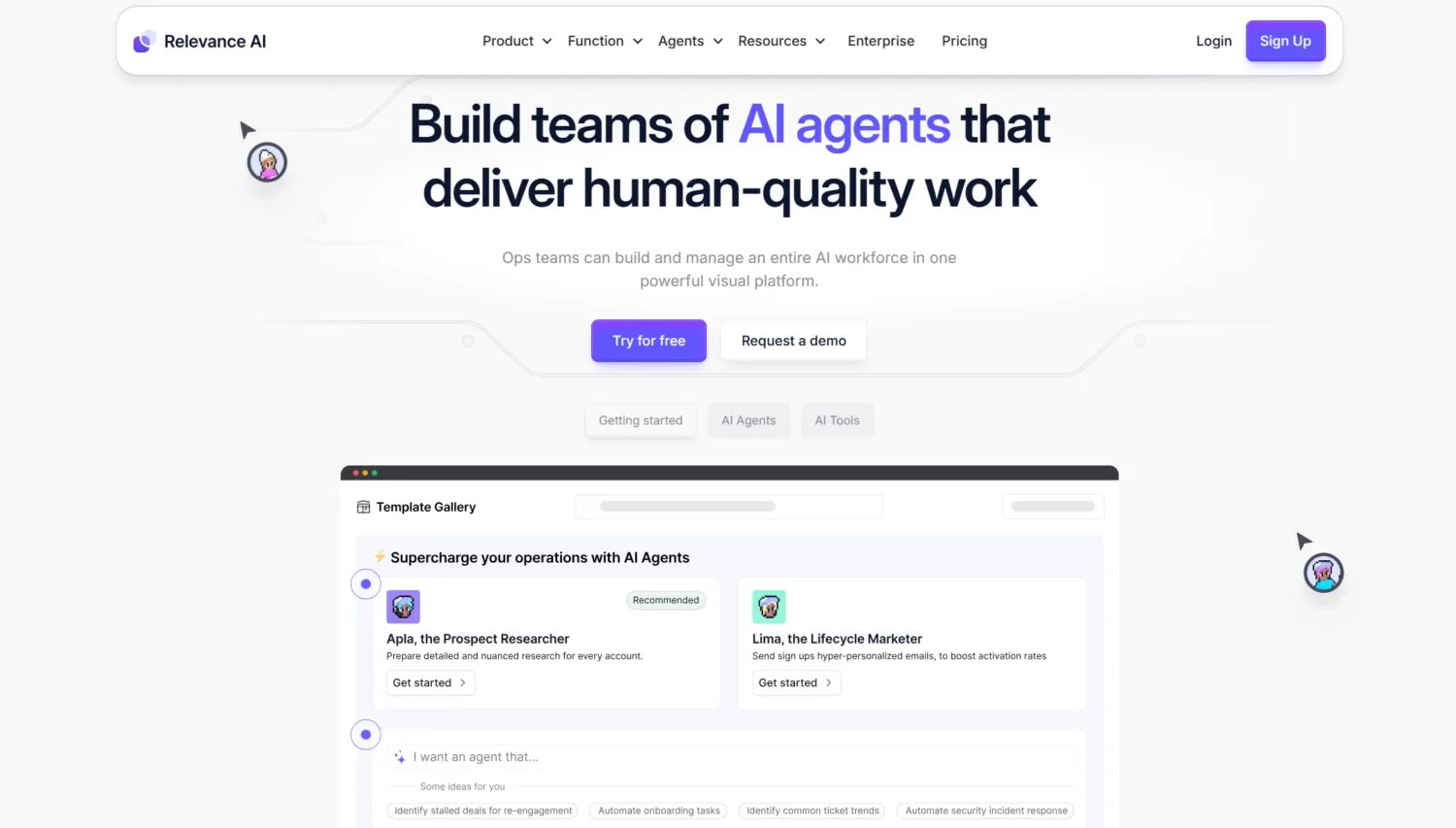
Relevance AI is like a sandbox for building custom AI agents that can do just about anything you dream up. It’s all about open-ended creation, with pre-built tools like Google search integration to supercharge your workflows. Whether you’re a coder or a creative, this platform lets you craft innovative AI solutions with a spark of imagination, making it a go-to for next-level
Features: Relevance AI’s standout feature is its agent description-to-build functionality—just describe what you want, and it whips up a tailored AI agent. It also offers template agents to jumpstart your projects, plus integrations like Google search to pull in real-time data. The platform’s flexibility makes it a powerhouse for designing workflows that fit your exact needs.
Pros: The possibilities with Relevance AI are pretty much limitless. Want an agent to scrape data or write blog posts? Done. Its open-ended design lets you push boundaries, and the pre-built tools make it easy to get started. It’s a dream for anyone who loves experimenting with AI to solve unique problems.
Cons: Real talk: the open-ended nature can be a bit daunting if you’re not used to designing from scratch. There’s a learning curve, especially for those new to AI workflows. Pricing starts at $19/month, which is reasonable but adds up if you’re scaling big projects. It’s not the simplest tool for absolute beginners.
Use cases: Relevance AI is perfect for creative AI tasks. Think scraping LinkedIn for juicy sales leads or turning raw data into polished blog posts. It’s a rockstar for innovative workflows, like automating research or generating content ideas on the fly. If you’re looking to push the limits of what AI can do, Relevance AI is your ticket to ride.
6. VectorShift
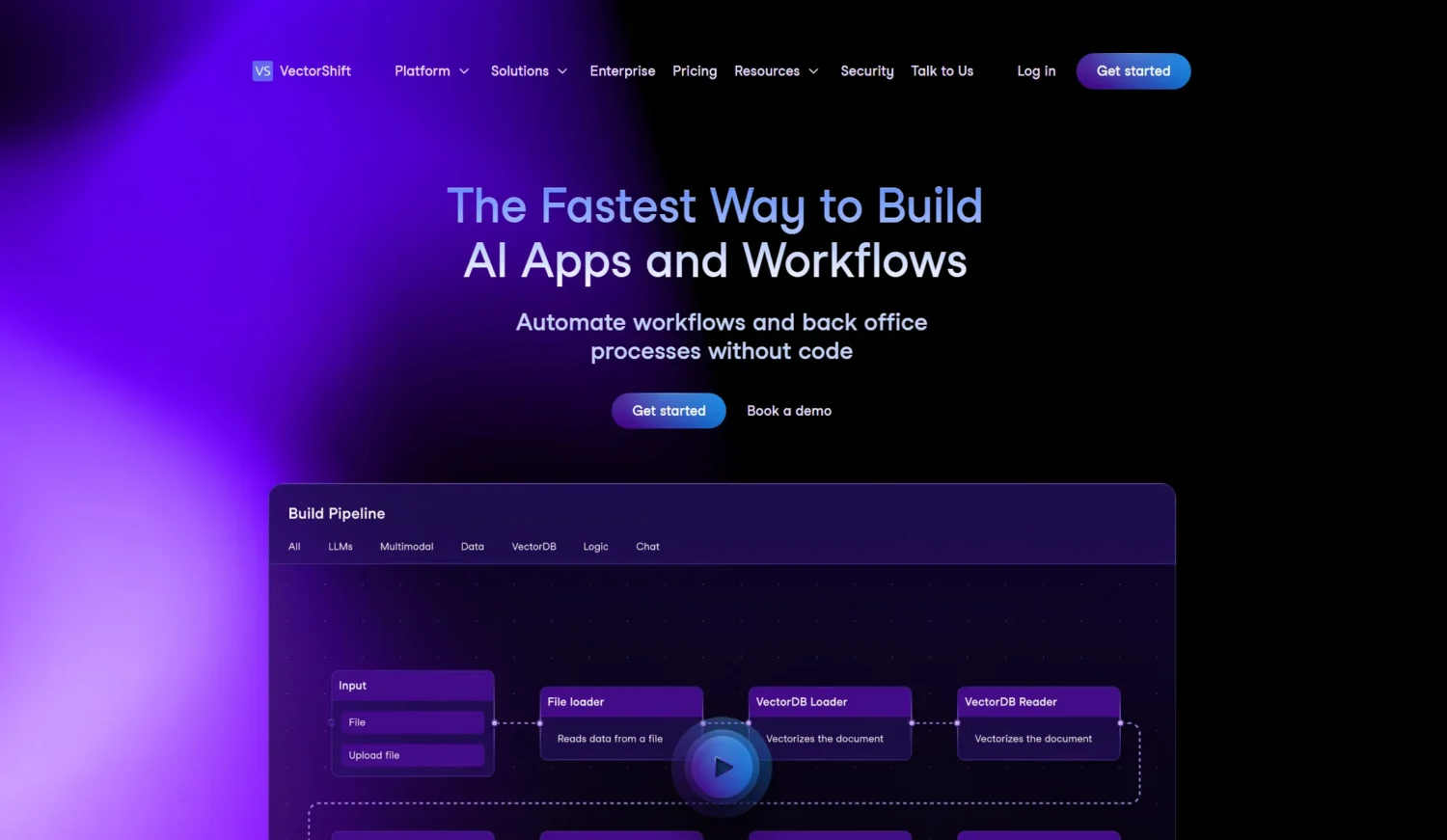
VectorShift is like a sweet spot where no-code vibes and coding chops collide. Its drag-and-drop builder lets you craft slick AI workflows while tapping into multiple LLMs like OpenAI and Anthropic. It’s a dream for developer-focused teams who want to blend the ease of visual tools with the power of code, making automation feel like a creative jam session.
Features: VectorShift brings the heat with pipelines for crunching data like a pro and Voicebots for adding voice-driven automations to your toolkit. The drag-and-drop interface is smooth, and with support for multiple LLMs, you can mix and match AI models to fit your needs. It’s built to handle everything from simple tasks to hardcore data workflows with ease.
Pros: The flexibility to integrate various LLMs is a total win, letting you pick the perfect AI brain for the job. Whether you’re a dev or just love tinkering, VectorShift’s hybrid no-code/code setup offers serious power. It’s like having a customizable toolbox for building exactly what you want, no limits.
Cons: Let’s keep it 100: VectorShift can feel a bit heavy for non-devs. If you’re not comfy with code or complex setups, the learning curve might hit hard. Pricing starts at $25/month, which is fair but could stack up for bigger projects. It’s definitely geared more toward those with some tech know-how.
Use cases: VectorShift shines for teams who love data and automation. Picture analyzing Notion data and auto-posting clean reports to Slack—boom, done. It’s ideal for developer-driven squads building custom AI workflows, like automating data pipelines or creating voice-activated tools. If you’re all about precision and power, VectorShift’s your jam.
7. Gumloop
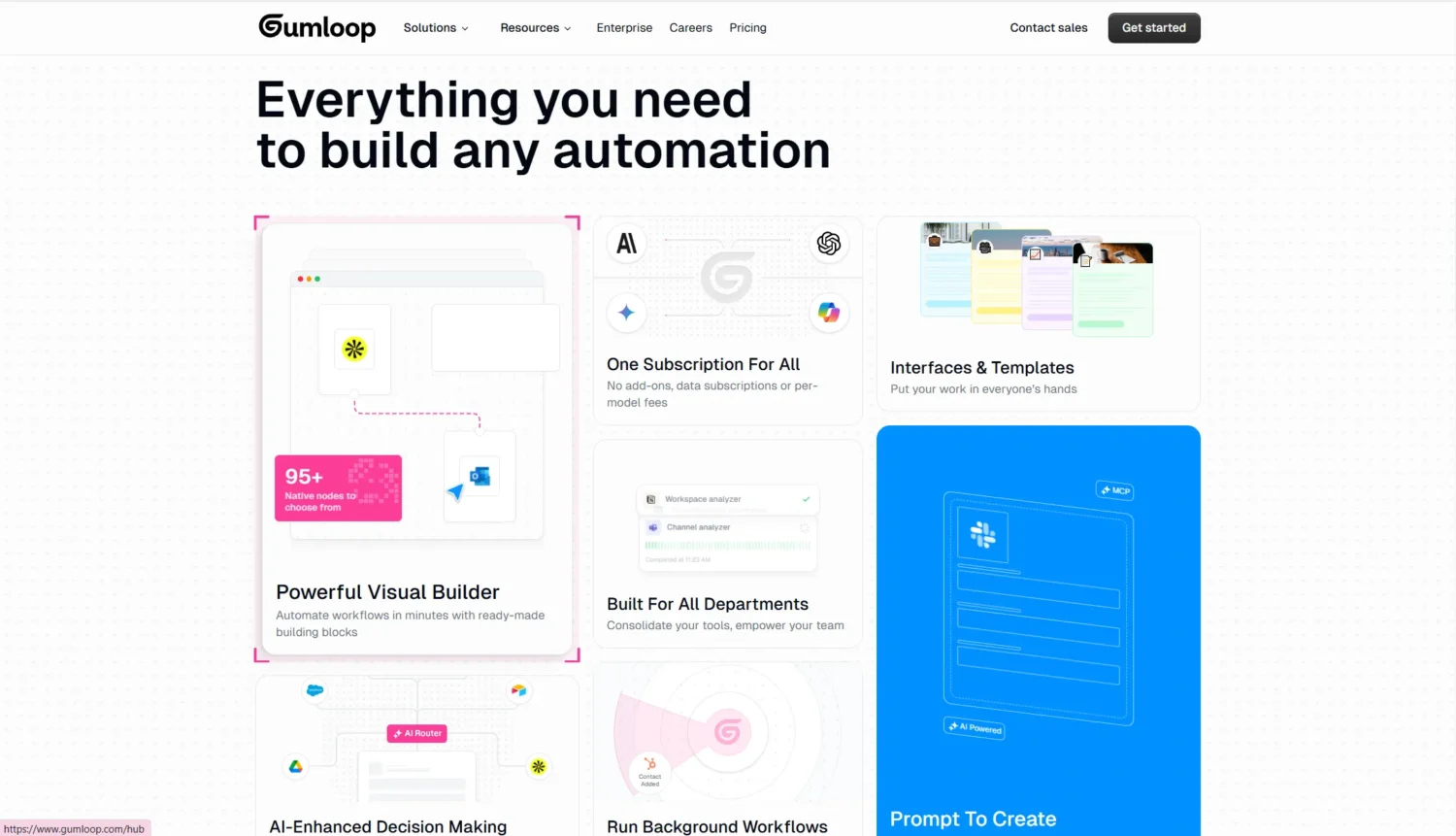
Gumloop is like a magic wand for marketing and HR teams who want powerful AI workflows without touching a line of code. Its no-code platform, paired with a handy Chrome extension for browser tasks like web scraping, makes it a breeze to automate repetitive work. If you’re looking to supercharge your processes with minimal tech fuss, Gumloop’s got you covered.
Features: Gumloop’s drag-and-drop nodes let you build workflows like you’re piecing together a puzzle. It comes loaded with 90 pre-built workflows to kick things off fast, plus slick interfaces for data entry. The Chrome extension is a game-changer, letting you scrape websites or automate browser actions without breaking a sweat. It’s all about making complex tasks feel simple.
Pros: This tool is crazy extensible, handling everything from quick fixes to intricate automations with ease. The pre-built workflows save tons of time, and the no-code vibe means anyone on the team can jump in. It’s a solid pick for non-techies who still want to tackle big, complex tasks like pros.
Cons: Here’s the deal: Gumloop’s pricing is steep, starting at $97/month, which might make small teams wince. While it’s packed with features, the cost could be a hurdle if you’re on a tight budget. Also, if you’re new to automation, you might need a hot minute to master the full range of its capabilities.
Use cases: Gumloop is a rockstar for marketing and HR tasks. Think automating SEO keyword research to boost your campaigns or screening resumes to find top talent without the slog. It’s perfect for teams looking to streamline data-heavy processes, like pulling web data for market insights or automating repetitive HR workflows, all with a user-friendly, no-code twist.
8. Activepieces
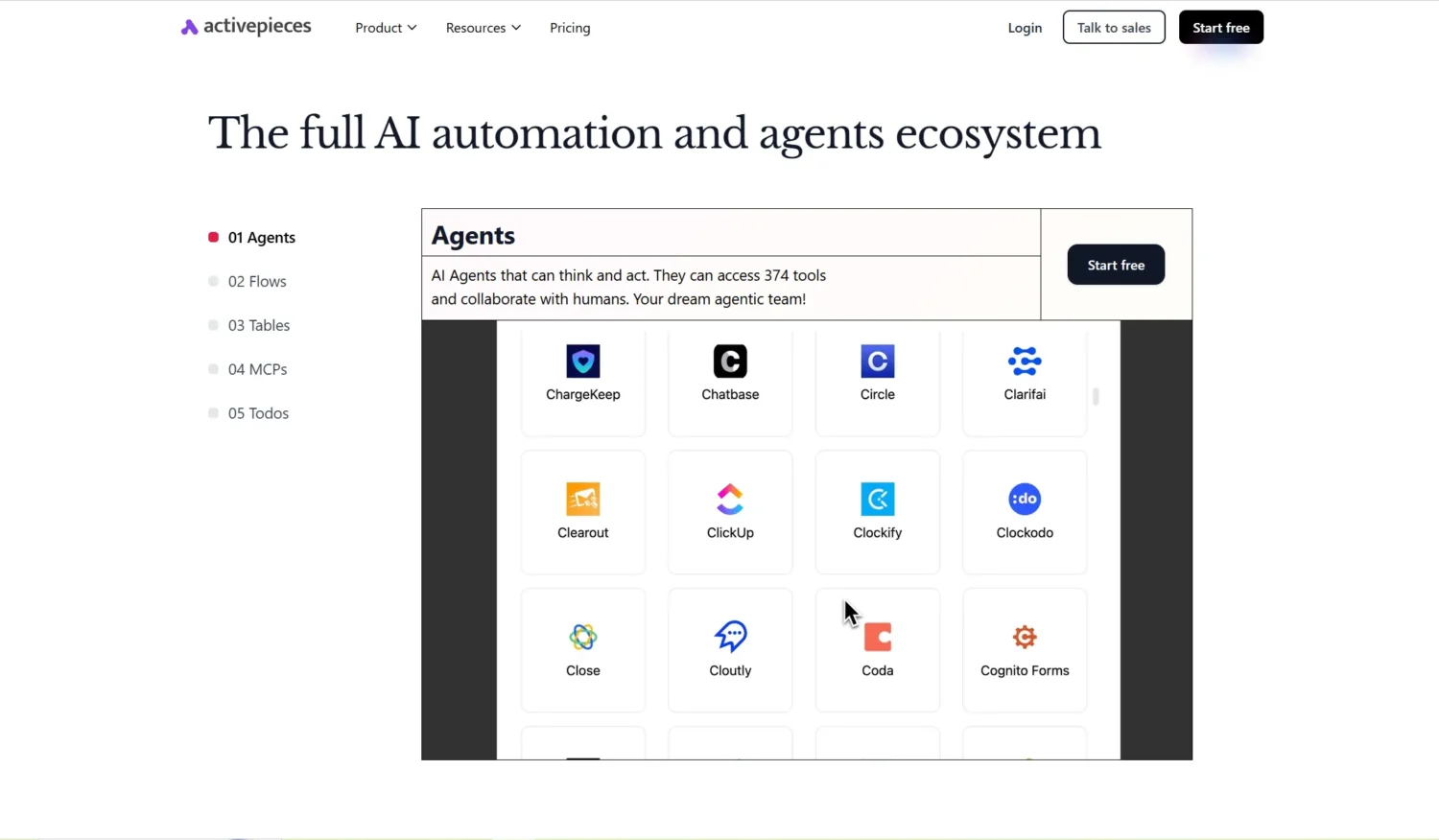
ActivePieces is like Zapier’s cool, open-source cousin that brings AI-first automation to the table without burning a hole in your wallet. It’s a no-code platform packed with integrations, perfect for cost-conscious businesses or tech tinkerers who want to streamline tasks with a dash of AI magic. If you’re all about flexibility and saving cash, ActivePieces is your vibe.
Features: ActivePieces lets you chain triggers and actions like a pro, creating seamless workflows with its no-code setup. It’s got AI integration for natural language processing and machine learning tasks, so you can add some serious smarts to your automations. Plus, being open-source, you can self-host it and customize it to fit your needs like a glove.
Pros: The biggest win? It’s free and self-hostable, so you keep control and skip the subscription fees. The extensive integrations mean you can connect tons of apps, and the AI-first approach makes it a powerhouse for smart workflows. It’s a dream for businesses looking to automate on a budget.
Cons: Heads up: while it’s user-friendly, advanced setups might require some tech know-how, like configuring your own server for self-hosting. If you’re not ready to roll up your sleeves, the initial setup could feel like a mini project. It’s not as plug-and-play as some pricier alternatives for complex use cases.
Use cases: ActivePieces is a champ for cost-conscious teams. Imagine automating document summarization for sales ops to keep your team focused on closing deals. It’s perfect for tasks like syncing data across apps or adding AI-driven insights to your workflows, all without the hefty price tag. If you want powerful automation on a dime, ActivePieces is your go-to.
9. Windmill
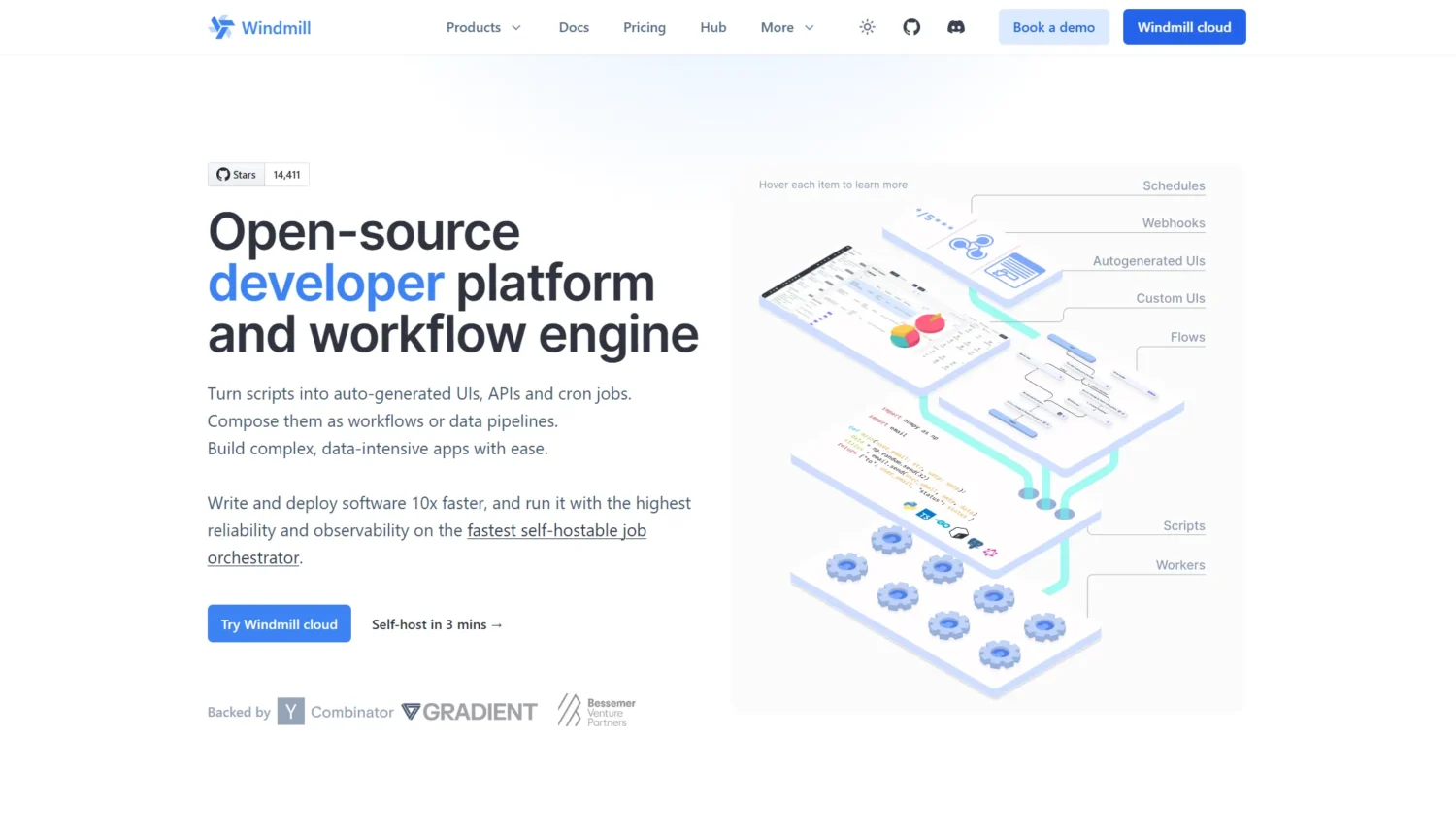
Windmill is like a love letter to developers who want the best of low-code ease and hardcore scripting swagger. This open-source gem blends visual tools with Python, TypeScript, and other languages, making it a beast for teams with dev chops. If you’re itching to build scalable, custom workflows with a side of geeky flair, Windmill’s your jam.
Features: Windmill’s visual DAG editor lets you map out workflows like a flowchart ninja, while its auto-generated UIs and APIs make your apps look slick without extra work. You can script in Python or other languages to customize every detail, and it integrates seamlessly into CI/CD pipelines, so your workflows fit right into your dev process.
Pros: Being open-source, Windmill’s free to use and endlessly customizable. Its CI/CD integration is a dream for dev teams, and the ability to mix low-code with scripting gives you ultimate flexibility. It’s scalable, powerful, and perfect for those who love getting under the hood.
Cons: Real talk: Windmill’s not for everyone. It’s built for teams with dev talent, so if your squad isn’t comfy with code, it might feel like overkill. The learning curve can be steep for non-developers, and you’ll need some tech savvy to unlock its full potential.
Use cases: Windmill shines for developer-driven projects. Think building internal dashboards to track KPIs or setting up data pipelines to crunch numbers like a pro. It’s a go-to for enterprises needing scalable, custom solutions, from automating data workflows to creating internal tools that make your team’s life easier.
10. Diaflow
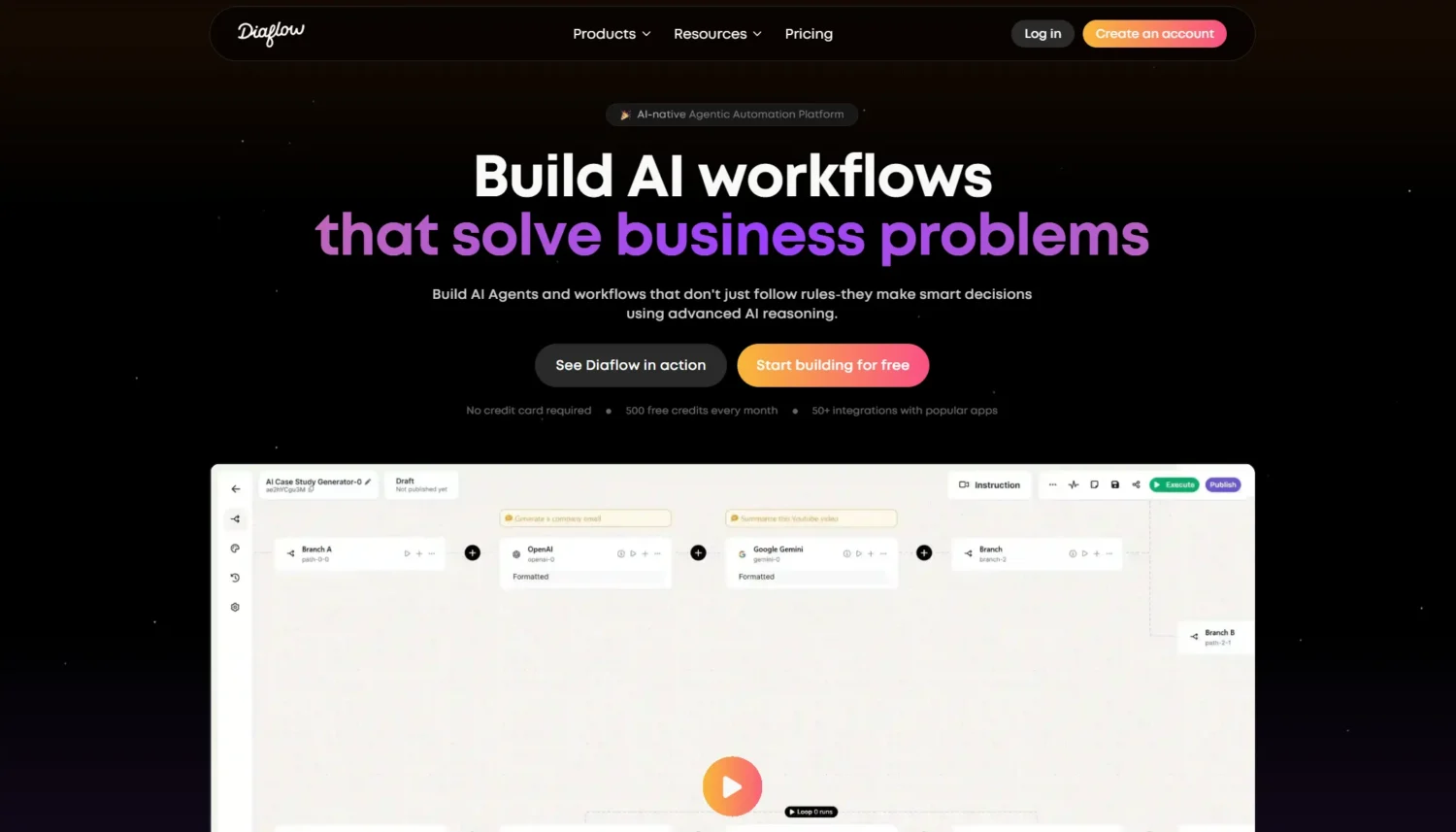
Diaflow is like a Swiss Army knife for no-code automation, packing AI agents and industry-specific templates into one tidy package. It’s built for marketing and sales teams who want to ditch multiple tools and streamline everything with a user-friendly platform. If you’re after versatile, AI-driven automation without the tech headache, Diaflow’s here to make your life easier.
Features: Diaflow’s visual builder is a dream, letting you drag and drop to create workflows without breaking a sweat. With 100+ integrations, it plays nice with your favorite apps, and its real-time adaptability means your workflows can pivot on the fly. Plus, it comes with pre-built templates tailored for industries like marketing and sales to get you rolling fast.
Pros: This platform is super user-friendly, so even non-techies can jump in and start automating. Built-in analytics give you insights without extra tools, and its all-in-one vibe means you can replace a messy stack of apps. Diaflow’s versatility makes it a solid pick for businesses wanting to simplify.
Cons: Here’s the catch: Diaflow’s newer on the scene, so tutorials and community resources are a bit sparse. This can make troubleshooting trickier for beginners. Pricing details are unclear from available sources, so you’ll need to dig deeper to budget properly. It’s still finding its footing compared to older platforms.
Use cases: Diaflow’s perfect for streamlining business tasks like lead qualification, making it a breeze to sort hot prospects from the pack. It also shines for automating finance approvals, keeping your processes tight and efficient. If you’re a business looking to consolidate tools and add AI smarts to your marketing or sales workflows, Diaflow’s a game-changer.
Comparison of Top AI Workflow Automation Tools
To help you decide, here’s a table comparing key aspects:
| Tool | Integrations (Approx.) | Free Tier? | Best For | Pricing Start |
|---|---|---|---|---|
| n8n | 400 | Yes (Self-host) | Technical teams | $20/mo |
| Zapier | 7000 | Yes | Non-technical users | $29.99/mo |
| Make | 2000 | Yes | Complex workflows | $10.59/mo |
| Lindy.ai | 50 | Limited | Custom AI agents | $49.99/mo |
| Relevance AI | 100 | No | Innovative automations | $19/mo |
| VectorShift | 100 | No | Developer flexibility | $25/mo |
| Gumloop | 90 | Limited | Marketing/HR tasks | $97/mo |
| Activepieces | 100+ | Yes | Open-source fans | Free |
| Windmill | 100+ | Yes | DevOps pipelines | Free |
| Diaflow | 100 | No | All-in-one business | N/A |
FAQs About AI Workflow Automation Tools
What is an example of an AI automation workflow?
An example is automating lead nurturing: When a new form submission arrives in Google Forms, AI analyzes the content for intent, scores the lead using machine learning, enriches it with data from LinkedIn, and sends a personalized email via Gmail while updating your CRM like HubSpot. This can be set up in tools like Zapier or n8n, reducing manual review time.
What is the best AI workflow automation tool?
The “best” depends on needs—n8n stands out for its open-source flexibility and cost-effectiveness, often rated highest in 2025 reviews for customization. For beginners, Zapier is unbeatable due to its ease and integrations.
Can AI create a workflow?
Yes, many tools like Relevance AI allow you to describe a workflow in natural language, and the AI generates it automatically, including triggers, actions, and logic.
Can we use n8n for free?
Absolutely—n8n is open-source, so you can self-host it on your server or local machine at no cost, with full access to core features. Cloud plans are optional for added convenience.
Which is better, n8n or Make?
n8n edges out for developers needing complex, self-hosted solutions without extra charges for advanced workflows, while Make is better for visual, out-of-the-box integrations and business users. n8n scores higher in customer favor for flexibility.
Conclusion
In 2025, AI workflow automation tools are indispensable for saving time and boosting productivity. From n8n’s open-source power to Zapier’s vast integrations, these solutions cater to diverse needs, helping you automate ai workflows efficiently. Start with a free trial of one that aligns with your goals—whether for customer service or beyond—and watch your efficiency soar. Remember, the key is to integrate these tools into your existing processes for maximum impact.
Related Stories: 10 Lucrative AI Business Ideas You Shouldn’t Miss in 2025
Related Stories: What Is Agentic AI? The Rise of Autonomous AI Agents in 2025